The Future of Networking | Why Your Business Needs a Digital vCard and WhatsApp Store
The era of carrying stacks of paper business cards—which often end up lost in a drawer or thrown away—is fading. In its place, a more dynamic, sustainable, and efficient solution has emerged: theDigital Business Card (vCard)combined withConversational Commerce.
At WhatAMarkt, we believe that your digital identity should do more than just display a phone number. It should be a powerful hub that showcases your brand, sells your products, and simplifies communication.
If you are wondering how a digital vCard works or why a WhatsApp Store might be the missing link in your sales strategy, this guide is for you.
Beyond the Paper - What is a Smart vCard?
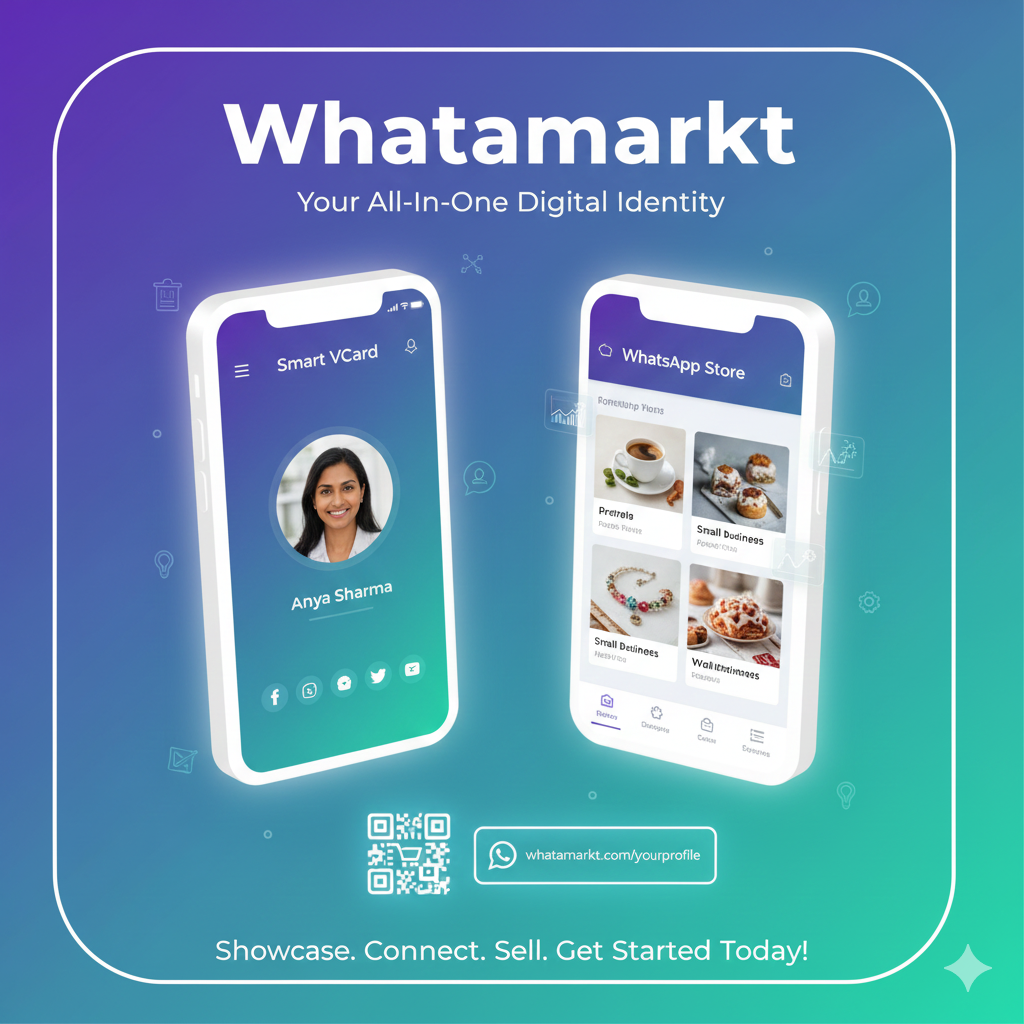
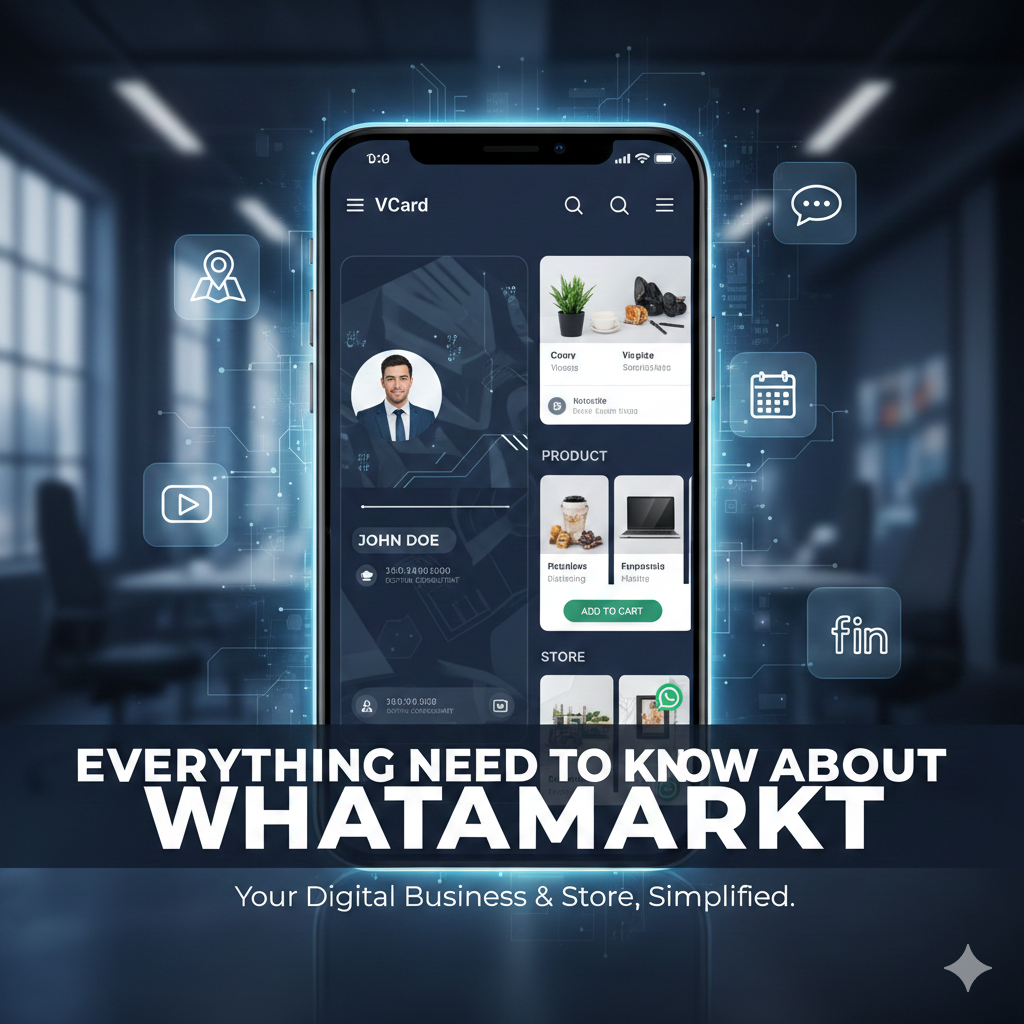
A Smart vCard is not just a digital image of a paper card; it is a mini-website dedicated entirely to your professional identity. It solves the biggest friction point in networking:saving contact information.
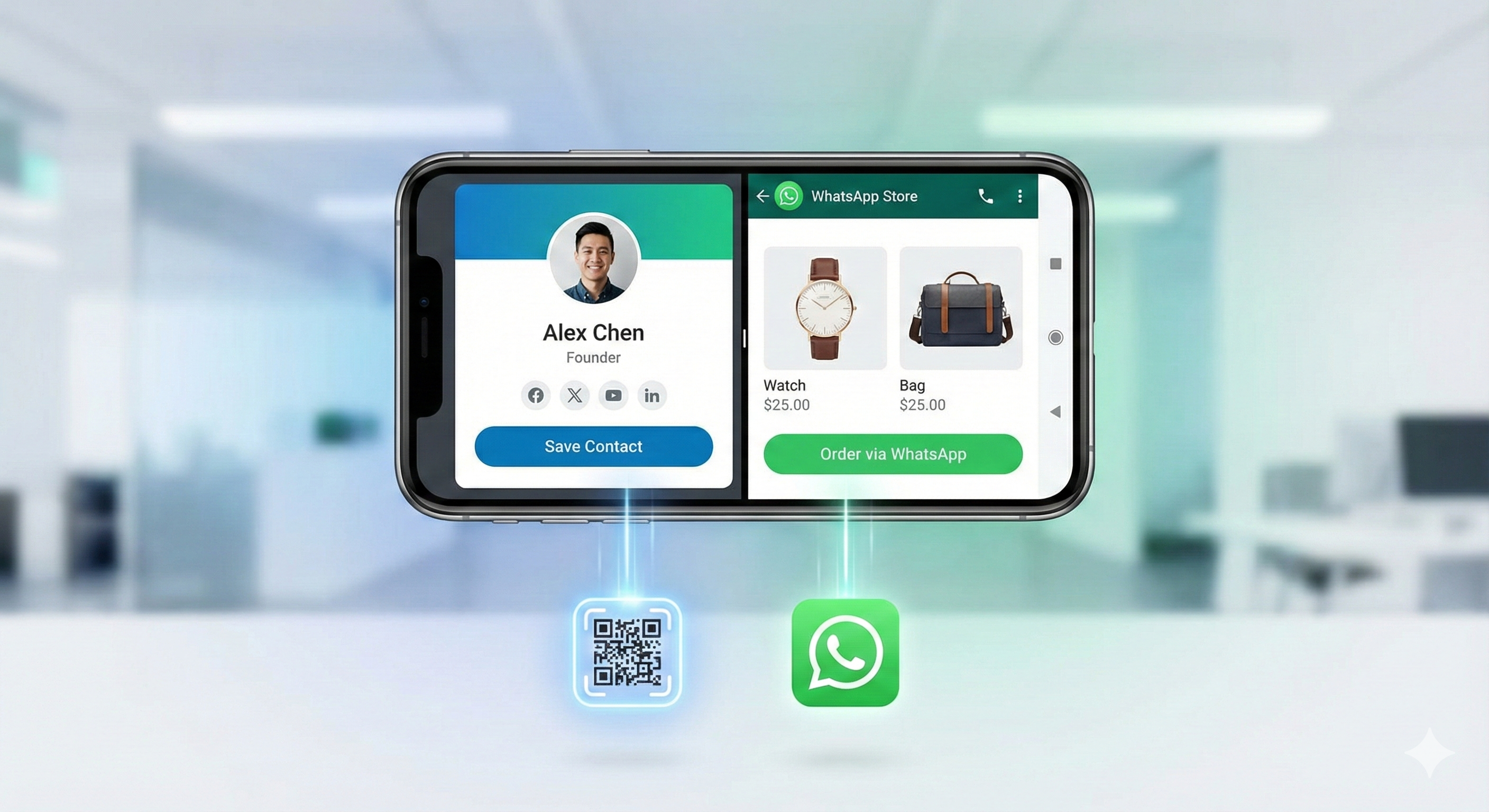
When you meet a potential client or partner, manually dictating a phone number or spelling out an email address leaves room for error. A Smart vCard allows you to share your profile via a Link or QR Code. With a single tap on the"Save Contact"button, all your details—name, number, email, website, and office address—are instantly saved to their phone’s address book.
But the utility goes much deeper:
1. The Central Hub for All Your Links
Think of your vCard as your "Link in Bio" on steroids. Instead of sending a client to your Instagram, then your LinkedIn, and then your portfolio separately, you consolidate everything. Your WhatAMarkt profile can house:
-
Social Media Profiles
One-click access to your LinkedIn, Instagram, X (Twitter), or Facebook. -
Professional Portfolio
Display image galleries of your past work. -
Video Content
Embed YouTube videos to introduce yourself or demonstrate a product. -
Location Services
Integrated Google Maps buttons guide clients directly to your office or store.
2. Update Once, Update Everywhere
The problem with paper cards is that they become obsolete the moment you change your phone number or office location.With a digital card, you have a dynamic dashboard. You can update your details in real-time. Anyone who opens your link henceforth sees the current information. You never have to reprint or waste money on outdated stationery again.
The Rise of the WhatsApp Store - Conversational Commerce
While a vCard handles your identity, theWhatsApp Storefeature transforms your profile into a sales machine.
Small businesses and freelancers often struggle with the complexity of building full-scale e-commerce websites. You have to deal with hosting, complex coding, and payment gateways. However, most customers prefer a simpler approach: they want to ask questions and chat before they buy.
This is where the WhatAMarkt WhatsApp Store shines.
How It Works
Instead of a static list of services, you can build a digital catalog attached directly to yourvCard.
-
Create Categories
Organize your offerings (e.g., "Men's Wear," "Consulting Packages," "Real Estate Listings"). -
Showcase Products
Add high-quality images, detailed descriptions, and pricing. -
The Shopping Cart Experience
Visitors can browse your store, add items to a cart, and hit "Send Order." -
Instant WhatsApp Connection
The order details are formatted and sent directly to your WhatsApp.
Why This Model Works
This approach bridges the gap between an impersonal online store and a personal shopping experience. When the order arrives on yourWhatsApp, you can immediately confirm availability, discuss customization, or negotiate shipping. It builds trust, which is the most valuable currency in local business.
Who Benefits Most from WhatAMarkt?
We designed this platform to be versatile, but certain industries find it particularly transformative:
-
Real Estate Agents
You can upload a gallery of your latest property listings directly to your card. When a client scans your QR code, they don't just get your number; they see what you are selling. -
Freelancers & Creatives
Graphic designers, photographers, and writers can use the gallery section as a portable portfolio to show clients immediately during a meeting. -
Restaurants & Cafes
Use the store feature as a digital menu. Customers can view dishes and send their delivery orders via WhatsApp. -
Medical Professionals & Consultants
The appointment booking features allow patients or clients to see your business hours and request slots without back-and-forth calling.
Best Practices for Your Digital Profile
To get the most out of the platform, here are a few tips for setting up your WhatAMarkt profile:
1. Use a Professional Headshot
Your digital card is often the first impression. Use a clear, high-quality photo where your face is visible. If you are a business entity, use a high-resolution logo.
2. Craft a Compelling Description
Don't just list your job title. Use the "About" or description section to write a brief pitch. What problem do you solve for your clients? Keep it punchy and client-focused.
3. Leverage the QR Code
The digital world meets the physical world through QR codes.
-
Print it:Put your unique QR code on your office reception desk, on flyers, or even on your vehicle.
-
Digital Backgrounds:Add your QR code to your Zoom/Teams virtual background or your email signature.
4. Keep Your Catalog Fresh
If you are using the Store feature, ensure your products are up to date. An active store signals an active business.
Conclusion- The Sustainable, Smart Choice
Switching to a digital solution isn't just about "looking cool." It is a strategic move to streamline how you connect with the world. It reduces paper waste, saves money on printing, and most importantly, it removes the barriers between you and your next customer.
Whether you are looking to simplify your networking or start selling products online without the headache of coding, your digital journey starts here. Build your profile, customize your theme, and start sharing your unique link today.